
Visitor access for multi-tenant buildings
Visitors in by QR. Every door logged.
A host invites a guest, the guest gets a QR pass by email, and the door opens only when the pass, its hours and its doors all allow it. Built for buildings where many companies share one lobby.
- Works with Avigilon Alta
- English and Spanish
- Passes that expire on their own
How a visit works
From invite to arrival, in five steps
- 1
The host invites the visitor
An office manager or the front desk adds the visitor and picks the day, the hours and the doors.
- 2
The visitor registers
They get a private link, in English or Spanish, and fill in their own details. The link works for 30 days.
- 3
A QR pass arrives by email
It shows the date, the hours and the doors it opens. The host can resend it or revoke it at any time.
The pass is the email at the top of this page.
- 4
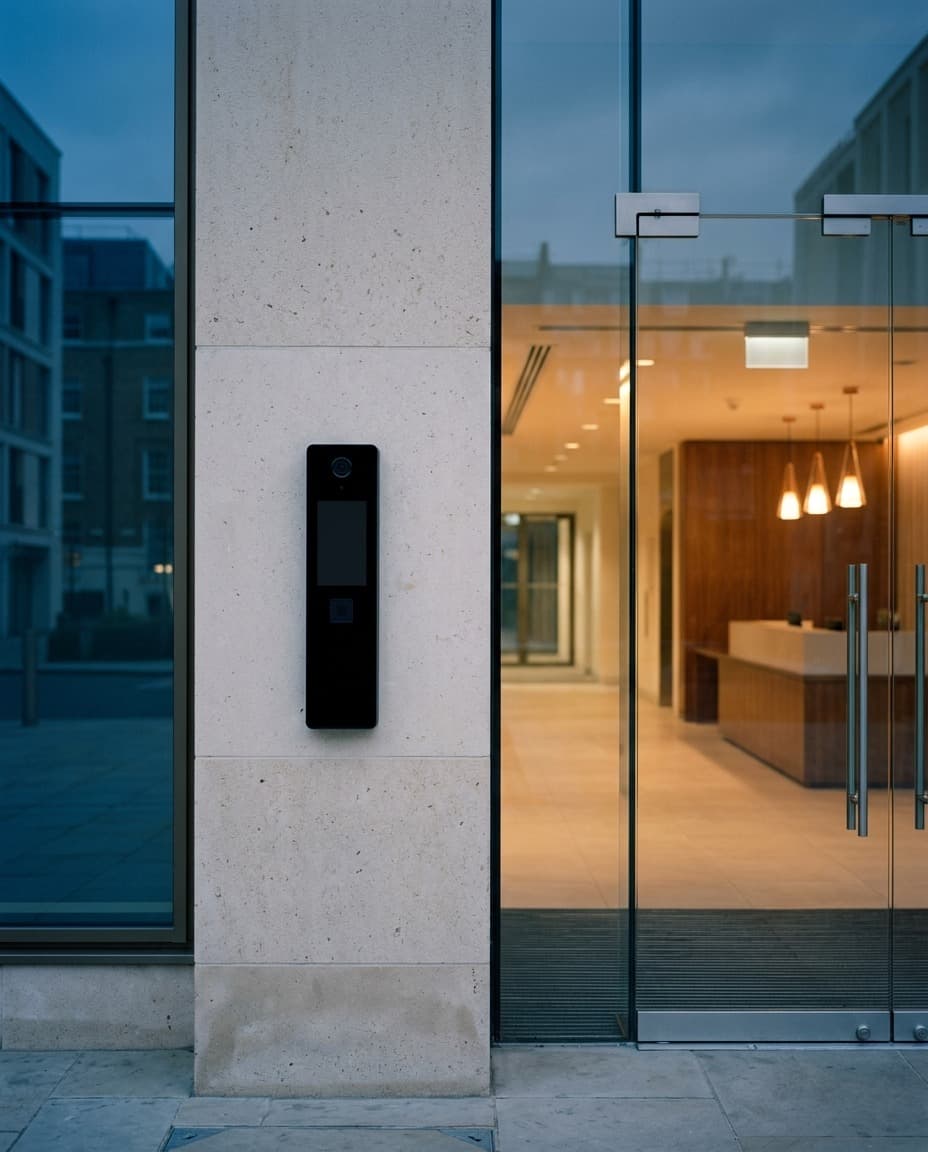
The reader checks the pass
At the door, the video reader scans the code and QRedential checks it against its hours and its doors. If it passes, the door opens. If not, the door stays shut and the reason is logged.
- 5
The host hears they are here
If the host asked for it, an email goes out the moment the visitor scans in.
The scan log
- Alex Morgan9:58 AMMain lobbyPass checkValidDoorUnlocked
- Riley Chen9:41 AMMain lobbyPass checkNot yet activeDoorNot attempted
- Sam Patel8:12 AMElevator bank BPass checkExpiredDoorNot attempted
The front desk
Today, at a glance
Who is expected, who has arrived and who was turned away at the door. Each person sees the visitors they are responsible for.
- Resend or revoke a pass in one step
- A turned-away scan shows its reason
- A morning email with yesterday’s activity
Today
· 6 expected · 3 arrived- RCExpectedRiley ChenSample Visitor Co. · Northwind Studio · 11:00 AM – 12:30 PM
- SPRefused at doorSam PatelExample Movers · Bluebird Analytics · 09:00 AM – 10:00 AM
- TBLateTaylor BrooksBluebird Analytics · 09:30 AM – 11:00 AM
- AMArrived 9:58 AMAlex MorganSample Visitor Co. · Northwind Studio · 10:00 AM – 04:00 PM

Harbor Tower
SampleThe building
Model the building once
Sites, buildings, floors, units and rooms. Doors and elevators become access points, grouped into access groups with schedules, so each pass opens exactly the doors it should.
- Sites
- Buildings
- Floors
- Units and rooms
- Access points
- Access groups
- Schedules
- Elevators
Roles
One system, five jobs
Everyone gets the screens for their job and nothing more.
Workspace admin
Sets up the buildings, the companies and the people in them.
Office manager
Runs their own company’s visitors, staff and passes.
Front desk
Invites visitors and sees who has arrived.
Building security
Watches the day’s visitors and passes across the building, and can add a visitor for any company.
Maintenance
Invites contractors and visitors for any company in the building.
Security
Controls you can check
Described by what the software does, not by a badge.
Video reader
reads the QR code
QRedential checks
- The pass is real and enabled
- It is inside its hours
- It opens this door
Both are logged with the reason
Companies stay apart
Each company in the building sees only its own visitors, passes and scans.
Passes that expire
Every pass has a date and an hour window, and can be revoked or disabled at any moment.
Every scan logged
Each scan is recorded with its verdict: allowed, or refused and why.
An audit log
Changes to people, passes and the building are written to an audit log.
Scoped API keys
An integration gets a key limited to the permissions you choose.
Visitor details stay put
The door system receives the pass code, never the visitor’s name or contact details.
Works with
Your readers, your systems
Avigilon Alta
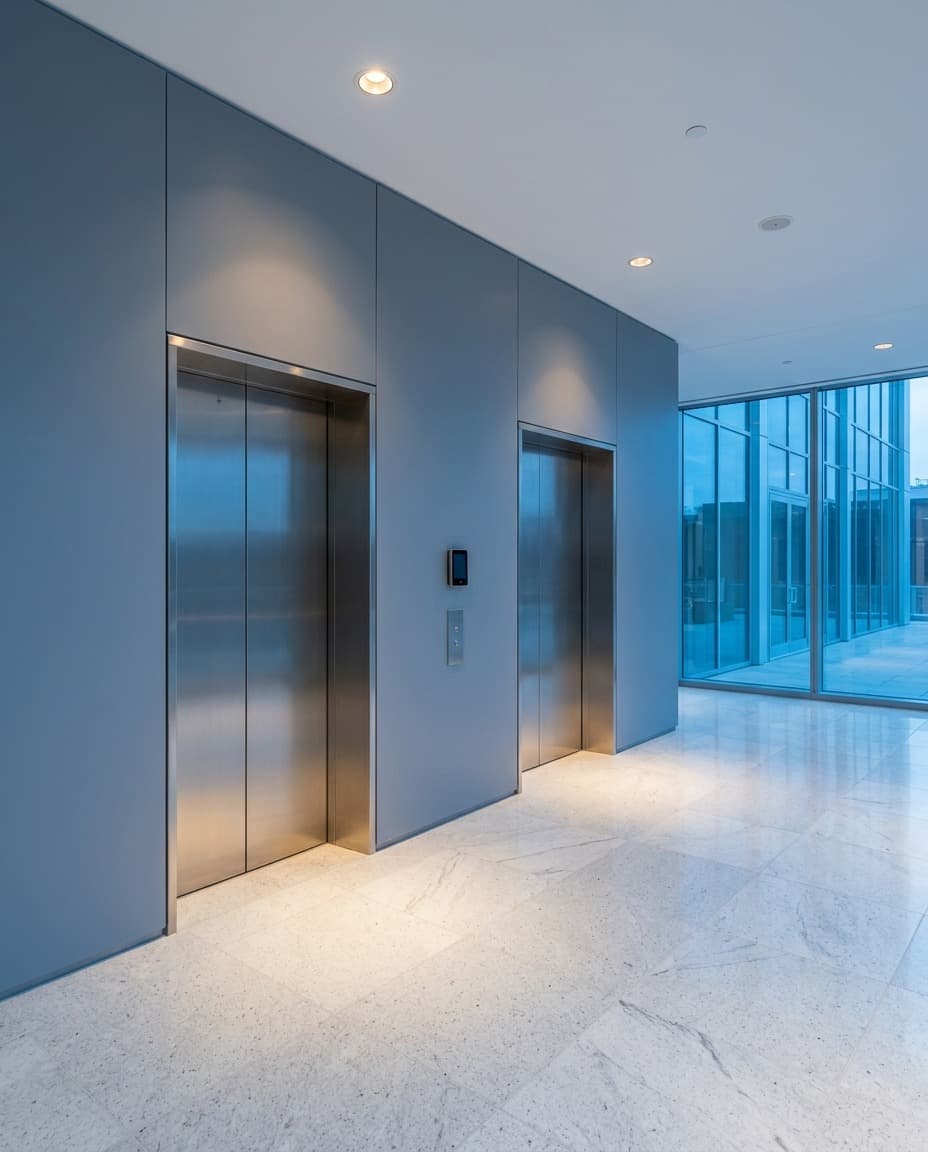
QRedential works with Avigilon Alta video readers and video intercoms today. Alta sends each scan to QRedential, and QRedential tells Alta when to open the door.
A REST API
Connect your own systems with API keys limited to the permissions you choose, documented in OpenAPI.
In use
Live in a multi-tenant office building on Broadway since 2024.
- visitors registered
- 8,900+
- visitors registered
- passes issued
- 12,000+
- passes issued
- door scans logged
- 7,100+
- door scans logged
Counts as of 2026-10-15, rounded down.
See it in your building
Tell us about your building and we will walk you through a visit, from the invite to the door.
Already a customer? Sign in